

The moment I committed to running AI models offline wasn’t glamorous. It was a Tuesday afternoon, I’d just pasted a client’s unreleased product roadmap into a chat interface to ask for help restructuring it, and somewhere between hitting enter and getting my answer I had the distinct feeling that I’d just handed a multi-billion-dollar company my client’s secrets in exchange for bullet-point formatting.
I closed the tab. I stared at the ceiling for a minute. Then I opened a new terminal window and started reading about local inference.
What I found over the next three months was that running AI on your own laptop is shockingly close to practical, in a way it wasn’t even a year ago — and also still quietly full of small compromises that nobody really talks about in the “run LLMs locally” videos. Here’s the honest version of what actually works on a normal machine, what still falls short, and what I actually use offline AI for now on a typical workday.
Why I Stopped Sending Everything to the Cloud


The privacy argument for local AI is the obvious one, but the real pull for me wasn’t abstract privacy — it was the uncomfortable realization that I’d stopped thinking about what I was pasting into web interfaces. Contracts. Draft emails. Chunks of proprietary code. Client notes with names and figures in them. Meeting transcripts with personal opinions about coworkers in them.
Cloud AI providers mostly have reasonable policies, and the enterprise versions have even better ones. I’m not claiming they read my chats; I’m saying I had no way to prove to my clients that they didn’t, and no real recourse if a future breach exposed something I’d pasted carelessly. “Trust me, I used the good chatbot” isn’t a security architecture.
The second thing that pulled me offline was latency and dependence. When my internet flaked during an outage, I noticed how much of my writing and coding workflow had become reliant on sending queries to a server I didn’t control. Being back to a blinking cursor and no autocomplete felt weirdly primitive after a year of always-on AI.
And the third thing, which I didn’t expect: local models make you think differently. You can’t just throw the entire internet at a 70-billion-parameter oracle and wait for magic. You end up using the model for what it’s genuinely good at — summarization, reformatting, code scaffolding — and doing the thinking yourself for the rest. That constraint, it turns out, was producing better work.
The Hardware Reality Check


Here’s where most of the “local LLMs!” content online is lying to you a little. Yes, you can run a model on almost any laptop. The gap between can run and can run usefully is where expectations go to die.
A model’s memory footprint is roughly its parameter count times two, for a decent quantization. An 8-billion-parameter model wants about 8-10GB of RAM or VRAM free just to load, and more to actually respond fluidly. A 13B model wants 12-16GB. A 70B model is effectively a desktop-class task.
My machine is a reasonably recent laptop with 32GB of unified memory. That’s comfortably able to run 8B models at real conversational speed — fast enough that I don’t notice the difference from a cloud chat for most prompts. It can run 13B models, but I can feel them thinking. Anything 30B+ requires patience or a different machine.
A few hardware observations from someone who’s been at this for months:
- RAM matters more than CPU. The difference between a 16GB and a 32GB laptop is enormous. The difference between a last-gen and current-gen chip is noticeable but smaller.
- Thermal management matters more than specs. A laptop that throttles hard under load will give you a chunky, pause-filled inference experience even if the silicon is capable. A cooling pad under my laptop genuinely helped once I started running longer sessions.
- Storage space is a budget item. Each model is 4-20GB. I keep four or five downloaded at any time, and I rotate. A portable SSD holds my “library” so my main drive stays uncluttered.
The honest truth: if you have a five-year-old 8GB laptop, you can run tiny models, but you’re not going to be productive with them. The cheapest way into genuinely useful local AI is either a current-gen Apple laptop with unified memory or a PC with a recent consumer GPU with at least 12GB of VRAM.
The Tools That Actually Run Smoothly on a Laptop
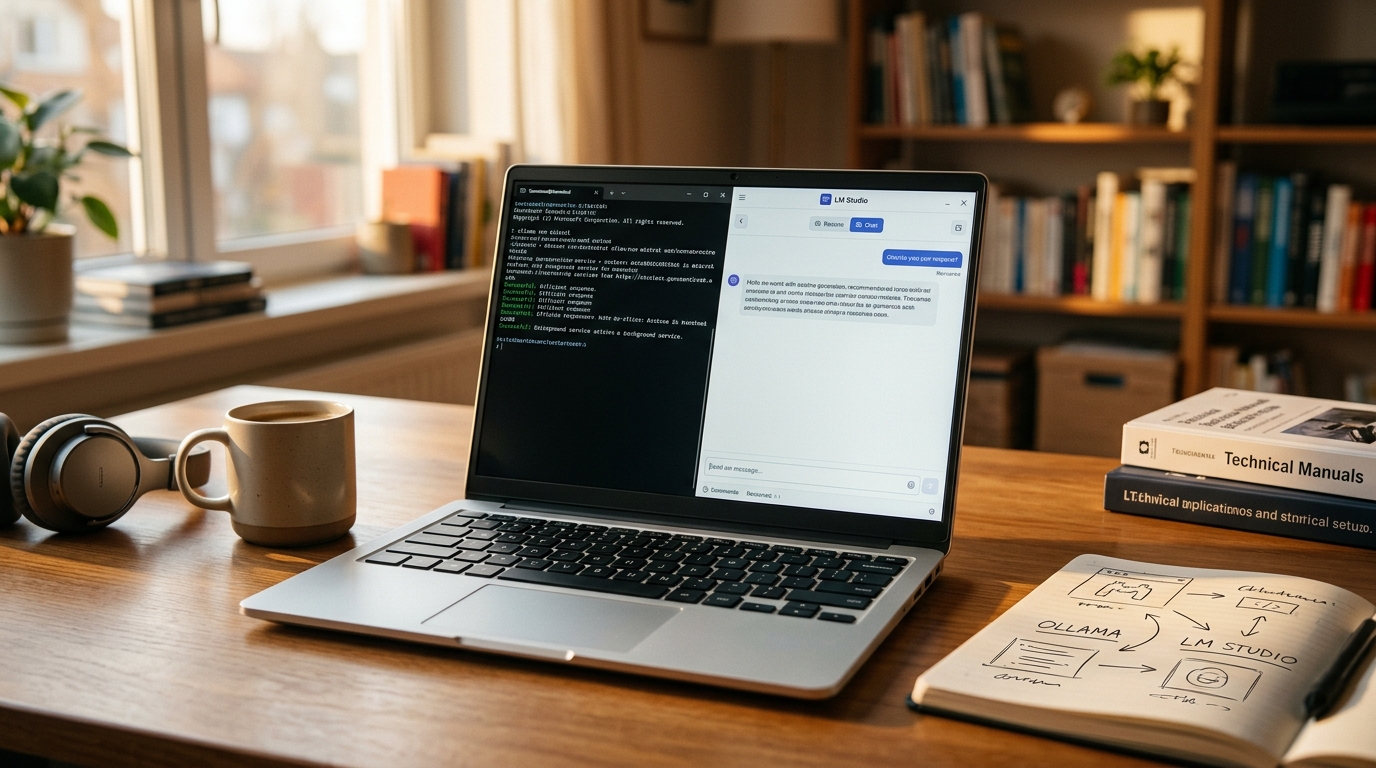
There’s a proliferation of local AI tools right now, and most of them are not as good as the top two or three. I wasted a weekend trying every option I could find; here’s what I actually use daily.
Ollama became my backbone. It runs as a background service, exposes an API, handles model downloads and quantization cleanly, and gets out of the way. I run it from the terminal for scripting and pair it with a frontend when I want a chat interface.
LM Studio is what I recommend to anyone who doesn’t want to touch a terminal. It’s a polished GUI that browses and downloads models, runs them locally, and gives you a chat window. The learning curve is essentially zero. It also exposes an OpenAI-compatible API, which means tools built to talk to OpenAI will talk to it instead.
For models themselves, the landscape has improved wildly in the past year. The small open-weight models (Llama 3 8B, Qwen 2.5 7B, Mistral 7B) are now genuinely useful for most daily writing and coding tasks. The mid-sized ones are very capable for structured work. I rotate through a handful depending on the task:
- A general-purpose 8B model for drafting and summaries.
- A code-specific model for programming work — it’s noticeably better at code than general models of the same size.
- A small, fast model for quick lookups and reformatting tasks where latency matters more than depth.
The frontend I’ve settled on is a simple web UI that connects to Ollama. I also run a mechanical keyboard for long writing sessions, which I mention only because the subtle tactile feedback changes how I work at speed.
What Local Models Do Well (And Where They Still Fail)


After three months of using local AI as my default, I have a pretty clear picture of what it’s good at and what it isn’t. The pattern is consistent enough that I stopped being surprised by either side.
What they do well. Summarization, reformatting, structured extraction (pull the action items out of this transcript), draft generation from an outline, code generation for well-defined tasks, translating between styles or formats, brainstorming when you want quantity over depth, and anything that’s a variation on “clean this up.” For day-to-day utility writing and coding, a good 8B model is surprisingly close to a cloud model you’d pay for.
Where they still fall short. Anything that needs broad factual recall. Anything that depends on up-to-date information (they have the training cutoff you’d expect). Long, sustained reasoning across many steps — they start to lose threads around the third or fourth dependency. Complex coding tasks that require deep familiarity with a specific library. And anything that genuinely requires the frontier-model level of capability.
A concrete example: asking a local 8B model to refactor a 300-line file with subtle bugs is not a great experience. Asking it to write a docstring for a function I pasted in, it nails almost every time.
The failure I hit hardest was early on, when I tried to run a 70B model on my 32GB laptop. The model technically loaded using memory-mapped quantization tricks but it crawled — one token every few seconds, with my laptop sounding like a departing jet. I couldn’t even finish a paragraph before giving up. The right-sized model for your hardware is a hugely better experience than a bigger model running at the edge of your limits. A responsive 8B model I actually use is worth infinitely more than a sluggish 70B one I avoid opening.
My Daily Workflow With Offline AI

My workflow is now hybrid. I keep a cloud AI account for the work that genuinely needs frontier capability — deep code review, complex document synthesis, anything creative I want top-of-market quality for. For everything else, which is most things, I use a local model.
Concretely, a typical day looks like this. I start with emails; a local model helps me draft and tighten replies. When I’m writing, the same model scaffolds an outline from a messy brain dump, and later it rereads drafts for me and flags weak paragraphs. When I’m coding, the code-specific model runs as a completion helper in my editor; for ad-hoc questions I have a chat window open with it. When meetings end, I dump transcripts into the model and ask for action items and summaries.
Three benefits I didn’t expect:
- Speed. A local 8B model on a responsive laptop returns completions noticeably faster than a cloud round-trip. For short interactions this is meaningfully different.
- Consistency. Models don’t get throttled, rate-limited, or have outage days. They just run.
- Experimentation. Because the cost is zero once you’ve set up, I use AI for small tasks I’d never have sent to a metered cloud service. This turns out to be most of the value.
A USB-C hub sits next to my laptop and hosts an external SSD with my model library plus a second monitor — my entire local AI setup, such as it is, adds maybe $200 in accessories to a laptop I already owned.
Final Thoughts: Is It Worth It?

Worth it for whom? That’s the fair question.
If you paste sensitive work into chat interfaces — client data, internal documents, anything you wouldn’t email to a stranger — local AI is worth the learning curve. The privacy and control argument alone makes it worthwhile, and the experience is now close enough to cloud AI for most tasks that the trade-off is small.
If you’re a casual user, asking AI for recipe ideas and travel questions, local AI is overkill. You don’t need it and the setup will outweigh the benefit.
If you’re a developer, a writer, or anyone whose work leans on AI daily, I’d argue it’s now worth the afternoon it takes to set up. LM Studio, one model download, and ten minutes of clicking, and you have an offline assistant that never costs you a subscription. The training wheels are off; the ecosystem is mature enough that you no longer need to know what “quantization” means to get started.
The shift in my mental model is that AI used to be something I visited. Now it’s something I own. That distinction, more than any speed or privacy benefit, is what keeps me running models locally.
The thing I’d tell anyone starting out: don’t try to reproduce your cloud AI workflow exactly. Let the local model be what it is. Use it for the tasks it handles well, keep a cloud account for the heavy lifting, and notice how little you actually need the cloud for. After a few weeks, you’ll be surprised how much quieter your browser has become.






Leave a Reply